 |
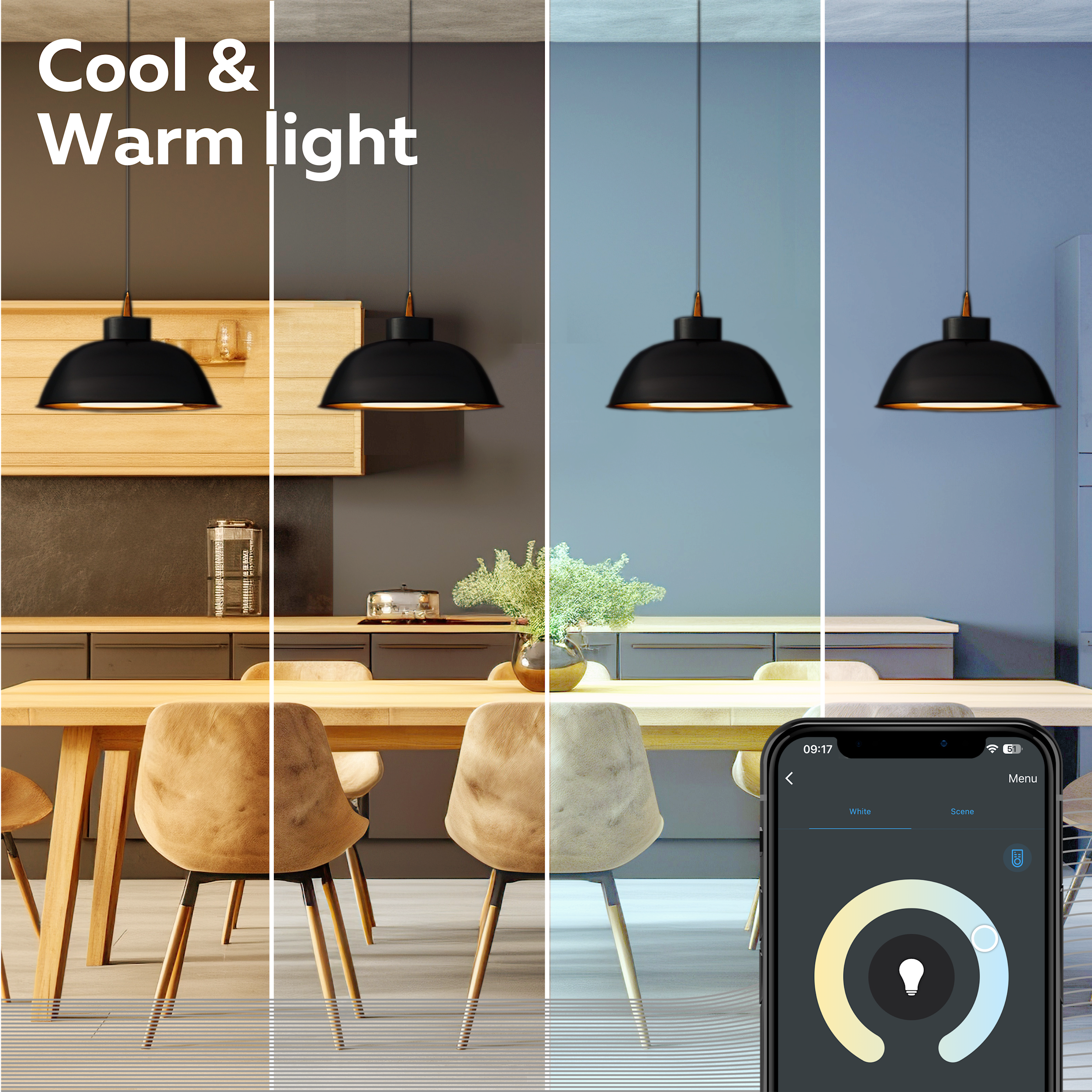
Calex Smart BulbsOur smart lights bring together ambiance, comfort, and control. Quickly install, connect to your network, and enjoy dimming, color settings, and timers via the app or voice control. |
Getting started
Please refer to your router manual or contact your internet provider for help on how to change settings.
Adding the CALEX SMART product to the Calex App
Download the Calex Smart app from the Google Play Store or the Apple Store. Click on the one of the logo's below while viewing this page on your phone. You can also scan the QR code found on the packaging with your phone.
Open the app. Are you using the app for the first time? Then follow the instructions on the screen to create your account.
Follow these instructions for adding your device.
Reset procedure
You may need to reset the product first. Click here for the reset instruction.
Manual in Other Languages
Download the multilingual instructions (24 languages).
Additional Information High Voltage Indoor
Related to